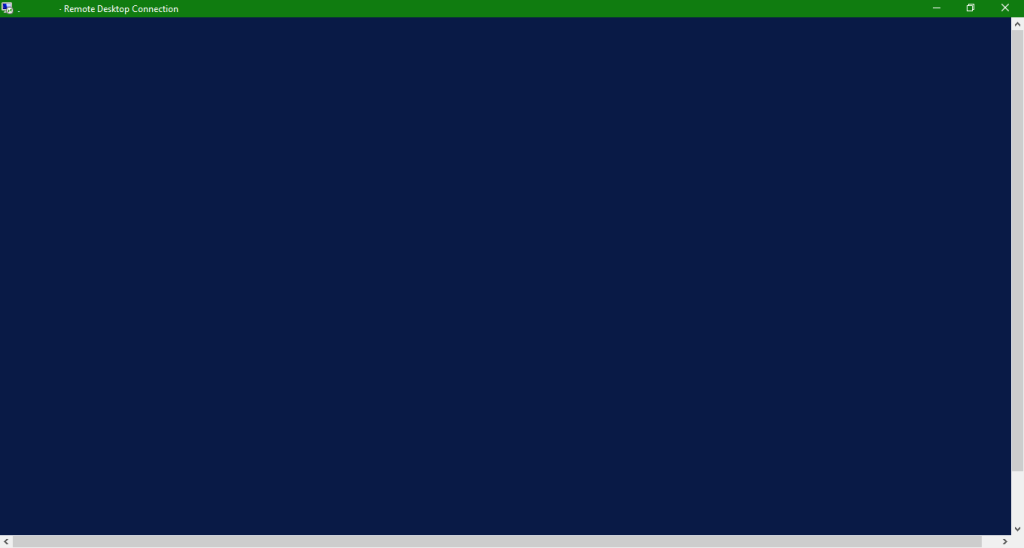
How to fix blue screen error in Windows Server 2008/2012/2012 R2? In Windows Server 2008/2012/2012 R2, a blue screen error appears. And in Windows Server 2016, a black screen error appears. Then you're not able to access your account. But now you can fix this error by yourself with simple 2 steps.
Method 1: Using Client Area
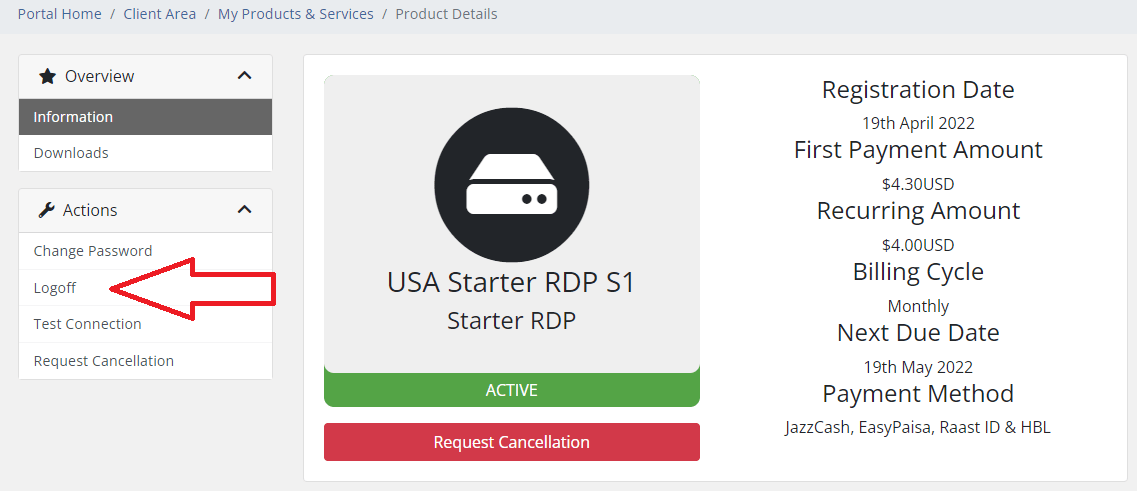
Go to the client area Products & Services page, then select the RDP which is not working.
Now see at the left sidebar and find the Logoff button. Click on it and you're done.
Alternative Method
- First of all, connect to your RDP
- Then press CTRL+ALT+END
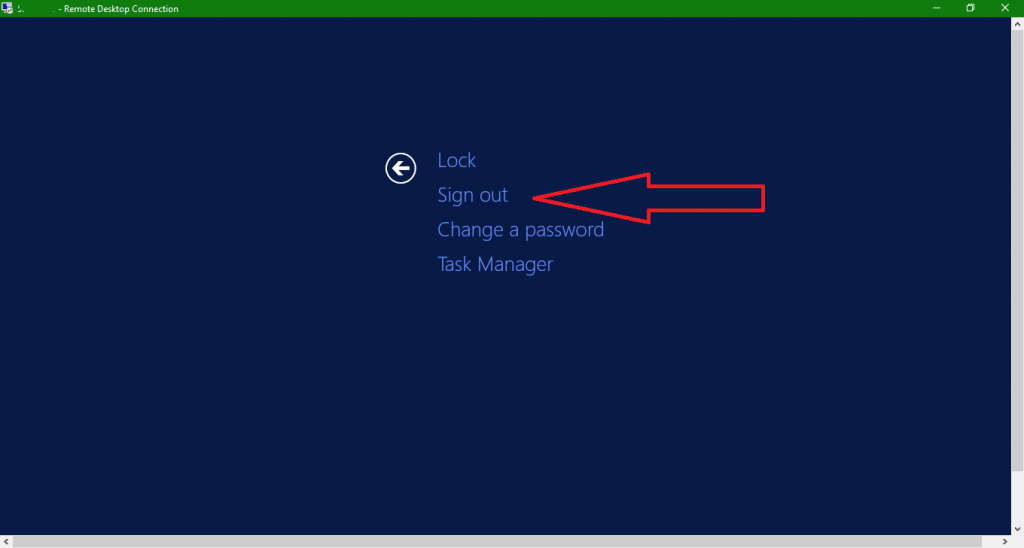
- Click on Sign Out
- Done. Now login again and the error is fixed :)
These simple steps should resolve the blue screen or black screen error in your RDP connection. If the problem persists, please contact our support team for further assistance.